

Office Relocation & Logistics — Practical, Step-by-Step Guidance
A well-run office relocation moves people, furniture, technology, and records in a coordinated way so operations continue and assets stay protected. This guide explains how logistics, IT coordination, and employee communication work together to cut downtime and lower operational risk. You’ll get practical steps for building a move checklist, phase-based timelines, IT relocation planning, and guidance for evaluating commercial relocation services. We cover pre-move assessment, move-day execution, and post-move validation so decision-makers can keep operations steady. Expect actionable lists, clear decision tables, and concise timelines you can adapt for small offices or larger corporate moves while minimizing service interruptions and safeguarding data.
What is an office relocation — and why does planning matter?
An office relocation is the planned transfer of business operations, staff, equipment, and infrastructure to a new location to support business goals and continuity. Planning matters because logistics, IT migration, and staff transitions are interdependent: the order of tasks directly affects downtime and asset risk. Thoughtful planning reduces interruptions, protects data and equipment, preserves productivity, and clarifies responsibilities across teams. Below are five core benefits that show why investing time in planning pays off.
- Reduced downtime: staged moves and careful sequencing keep critical functions running.
- Risk mitigation: secure packing and handling protect assets and sensitive records.
- Cost control: defined budgets and vendor scopes limit surprise expenses.
- Faster setup: pre-staging and inventories speed post-move productivity.
- Clear communication: shared plans reduce confusion and keep staff aligned.
These advantages show how professional services can handle complex logistics and storage needs while helping operations stay steady in practice.
What are the key benefits of professional office relocation services?

Professional office relocation teams convert plans into reliable execution through structured project management, secure handling, and staged logistics. Providers coordinate inventory, packing, transport, and temporary storage to protect furniture, documents, and IT equipment throughout the move. Relying on specialists reduces the operational burden on internal teams and lowers the chance of damage or loss thanks to standardized procedures and trained crews. That frees your staff to focus on core business while movers manage physical logistics and staging for faster reoccupation of the new site.
Many firms also offer scalable storage and packing options that support phased cutovers and asset staging — a practical approach to shorten downtime and simplify IT reinstallation.
How does effective planning reduce business downtime?
Effective planning reduces downtime by sequencing tasks, staging assets, and coordinating IT cutovers to avoid full-system outages. Mapping dependencies — for example, which servers must stay live during the move — lets teams schedule staggered transfers and fallback procedures. A clear communications plan aligns leadership, facilities, and IT so everyone understands handoffs and contingency triggers in real time. Together, these steps reduce the risk of prolonged outages and speed recovery when issues arise.
Running staged tests and rehearsal runs before move day validates the plan, establishes predictable timelines, and sharpens checklists and vendor coordination for the actual relocation.
How do you create a successful office move checklist?
A practical office move checklist groups pre-move, move-day, and post-move tasks into owners and timelines so teams can track progress and escalate issues. Start with a full inventory and needs assessment, then assign responsibility, set milestones, and confirm vendor scopes. The checklist below outlines the essential sequence to make a relocation predictable and auditable.
- Conduct inventory and needs assessment: document furniture, IT, and sensitive assets and assign owners.
- Set budget and timeline: define milestones and contingency allowances.
- Select vendors and secure quotes: confirm commercial moving and storage capacity.
- Plan IT migration: inventory servers, backups, and staging locations.
- Develop employee communication plan: share schedules and role expectations.
- Label and pack by zone: use consistent labeling to speed unpacking.
- Execute staged move: move critical infrastructure first during low-traffic windows.
- Post-move validation: confirm systems, workstations, and security are operational.
Using a structured checklist helps teams assign tasks, measure readiness before move day, and run a focused debrief afterward.
Below is a compact table that translates checklist items into owners, lead time, and required materials.
| Item | Responsible | Timing & Supplies |
|---|---|---|
| Inventory & tagging | Facilities lead | 2–6 weeks; labels, scanner |
| Budget & timeline | Project manager | 3–12 months; budget template |
| Vendor contracting | Procurement | 4–8 weeks; quotes, insurance docs |
| IT staging & backups | IT lead | 4–12 weeks; backups, racks, labels |
This layout helps teams assign accountability and secure resources so the checklist stays actionable and measurable.
Professional movers and storage providers can handle many checklist tasks, including specialized packing, secure transport, and temporary staging. Local firms that focus on office moving and storage can manage heavy furniture installation and short-term asset storage to enable phased cutovers without disrupting core operations.
What is a typical corporate relocation timeline?
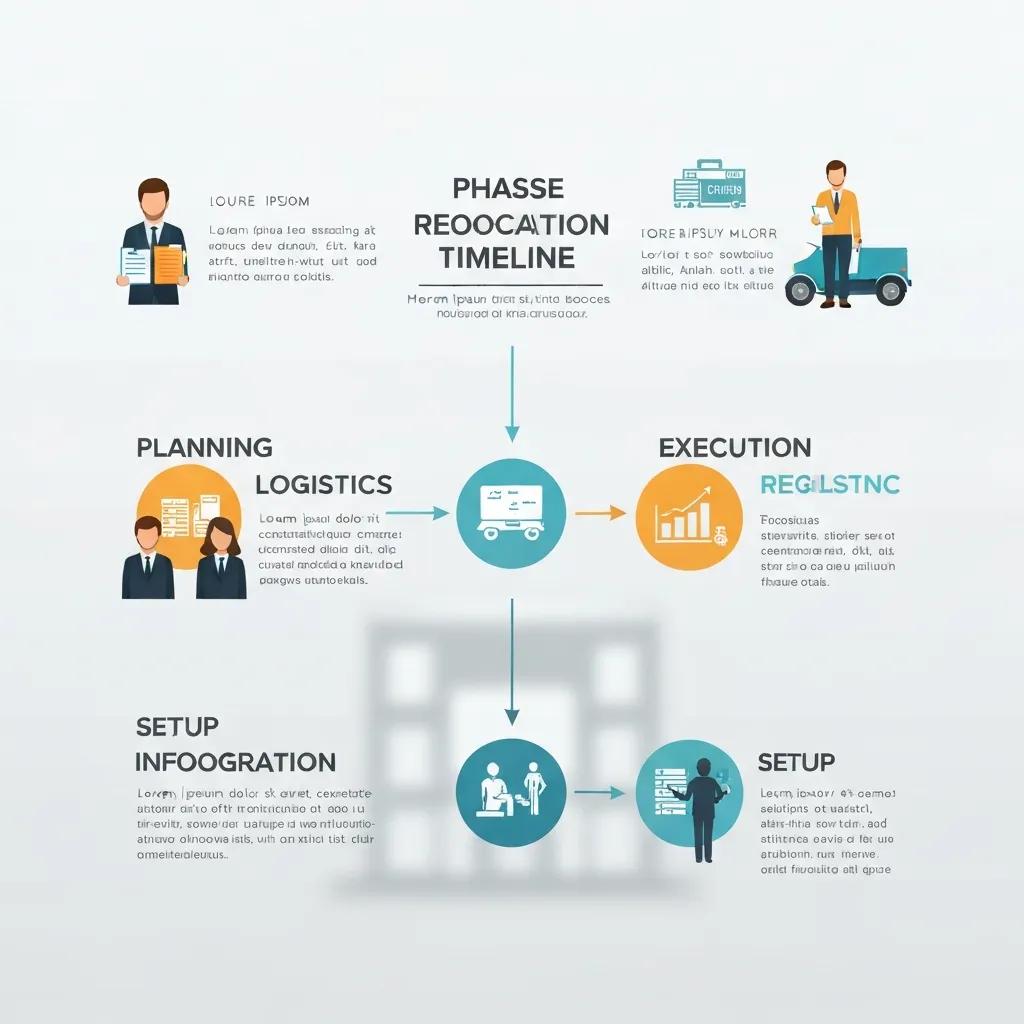
Corporate relocations typically follow four phases — planning, pre-move logistics, move execution, and post-move setup — with durations that scale by company size and IT complexity. Early assessment identifies dependencies that determine whether planning takes months or a shorter sprint. Clear phasing reduces overlap and pinpoints when IT staging and employee move windows should occur. The compact timeline below shows typical durations and core activities for each phase.
| Phase | Typical Duration | Key Activities |
|---|---|---|
| Planning & assessment | 1–6 months | Needs analysis, budget, vendor selection |
| Pre-move logistics | 2–8 weeks | Packing, labeling, IT staging, training |
| Move execution | 1–7 days | Transport, installation, initial testing |
| Post-move setup | 1–4 weeks | IT validation, furniture placement, debrief |
This timeline clarifies when to expect major milestones and which tasks drive schedule length.
How long should each phase of an office move take?
Durations depend on scale: small office moves can compress planning into weeks, while headquarters relocations may require several months for approvals and IT mapping. Planning usually takes the most calendar time because it includes stakeholder alignment and vendor contracting. Pre-move logistics depend on inventory volume and whether records need secure or legally controlled transport. Anticipating these variables lets teams add appropriate buffers and avoid last-minute compression.
Knowing typical ranges helps decision-makers set realistic timelines and resource allocations that reduce risk and create clear expectations for staff and vendors.
How does IT relocation planning fit into the overall timeline?
IT relocation must start early because server, network, and security dependencies need inventory, backups, and staged testing to prevent outages. Inventory and mapping happen in planning, with backups and staging completed during pre-move logistics. Staged cutovers and fallback plans during move execution prevent prolonged downtime, and post-move testing confirms connections and security settings. Close coordination between IT and movers ensures physical handling follows configuration priorities and preserves asset integrity.
A concise IT checklist should include inventory, backup verification, staging lab setups, labeled cabling, and a prioritized reconnection plan to shorten service restoration windows.
How do you choose the right commercial relocation services?
Choosing commercial relocation services means evaluating experience with office moves, IT handling capability, insurance coverage, and communication processes to match your timeline and risk tolerance. Providers should demonstrate commercial moving experience, clear liability terms, and project management methods that integrate with your team. Use the checklist below when vetting vendors to focus interviews and document review.
- Verify commercial moving references and office-move case experience.
- Confirm insurance and liability coverage for sensitive equipment and records.
- Assess project management and communication tools for status tracking.
- Check availability of storage and specialized packing for phased moves.
These selection factors lead into a short comparison that maps common service types to vetting criteria.
| Service Type | Key Factor | What to Check |
|---|---|---|
| IT relocation | Technical capability | Experience with server moves, labeled cabling |
| Storage | Security & staging | Climate control, access policies |
| Packing & handling | Materials & training | Specialized crates, trained crews |
| Transport & logistics | Fleet & scheduling | Vehicle types, scheduling flexibility |
This comparison helps decision-makers match service capabilities to move requirements and operational constraints.
When evaluating providers, measure moving companies that offer office relocation and storage services against these criteria to ensure they support IT cutovers, staging needs, and insurance requirements. Local moving and storage firms positioned to handle office logistics can relieve internal teams by managing packing, secure transport, and short-term staging as part of a coordinated project plan.